
Reduce Your Process Mapping Time by 90%
- Create process maps in minutes from text, voice and images, with 90%+ AI-generated process map quality.
- Auto-correct missing steps, errors, and gaps
- Get instant, industry-specific best practice recommendations
- Spend time on business transformation, not documentation
- Map processes in 30+ languages

AI-Powered
Process Mapping Agent
Reduce process mapping and review time by up to 90% with MapAI, the next-gen AI-powered process mapping agent. Generate high-quality BPMN process maps with 90%+ AI-generated map quality and support for 30+ languages.
Eliminate manual, non-value-adding work:
- No more process interviews or workshops
- No manual diagramming or BPMN/ naming convention checks
- No hours spent finding missing steps or logic gaps
With MapAI, the heavy lifting is done for you.
Convert Excel files, documents, images, or videos into standardised process maps instantly. Further, intelligent QA ensures every map is consistent, and compliant—so you can focus on business transformation, not documentation.
Convert Any Input into Accurate Process Maps
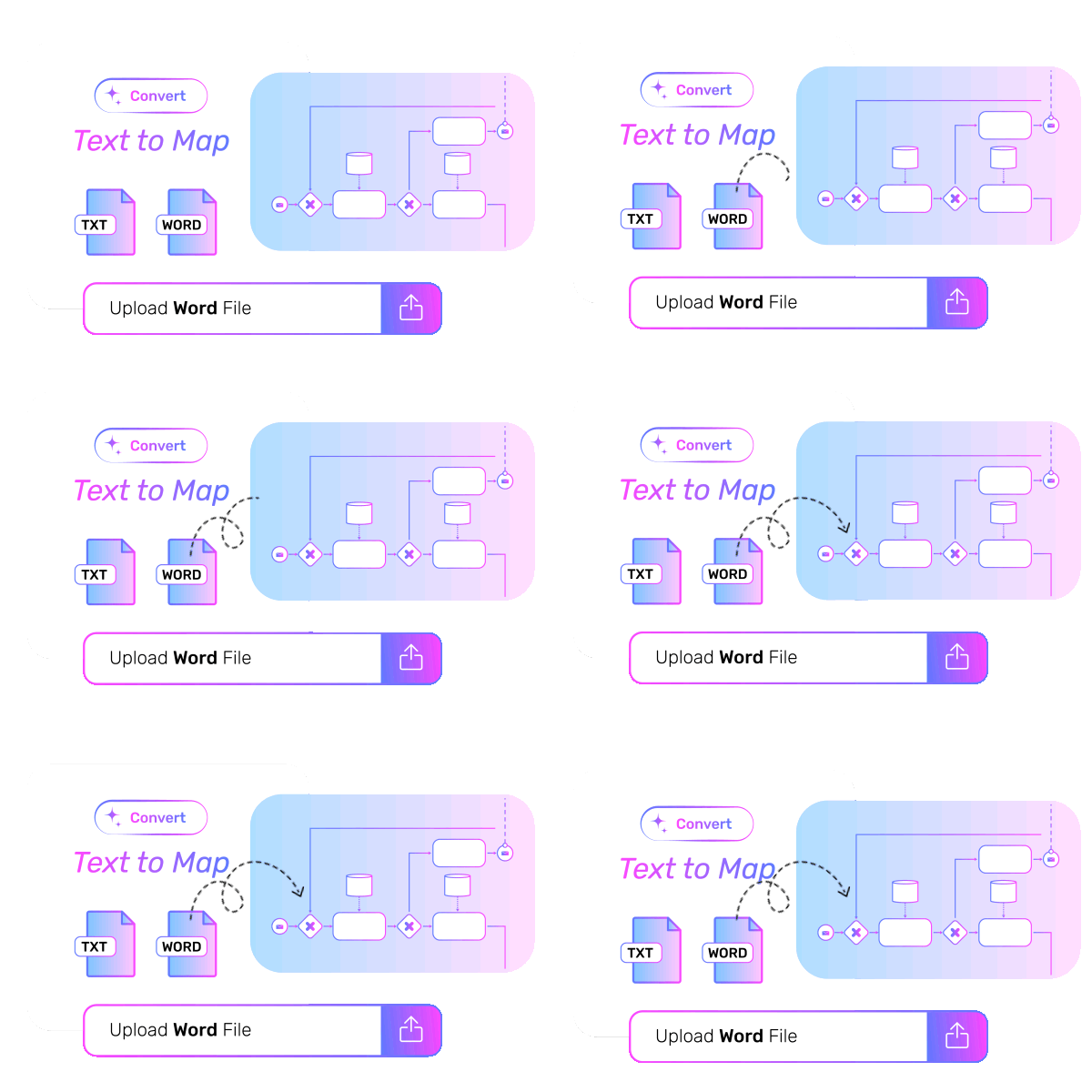
Text to Map
Upload process details from Word or text files, and MapAI automatically reads, interprets, and converts them into structured, standardised process maps.
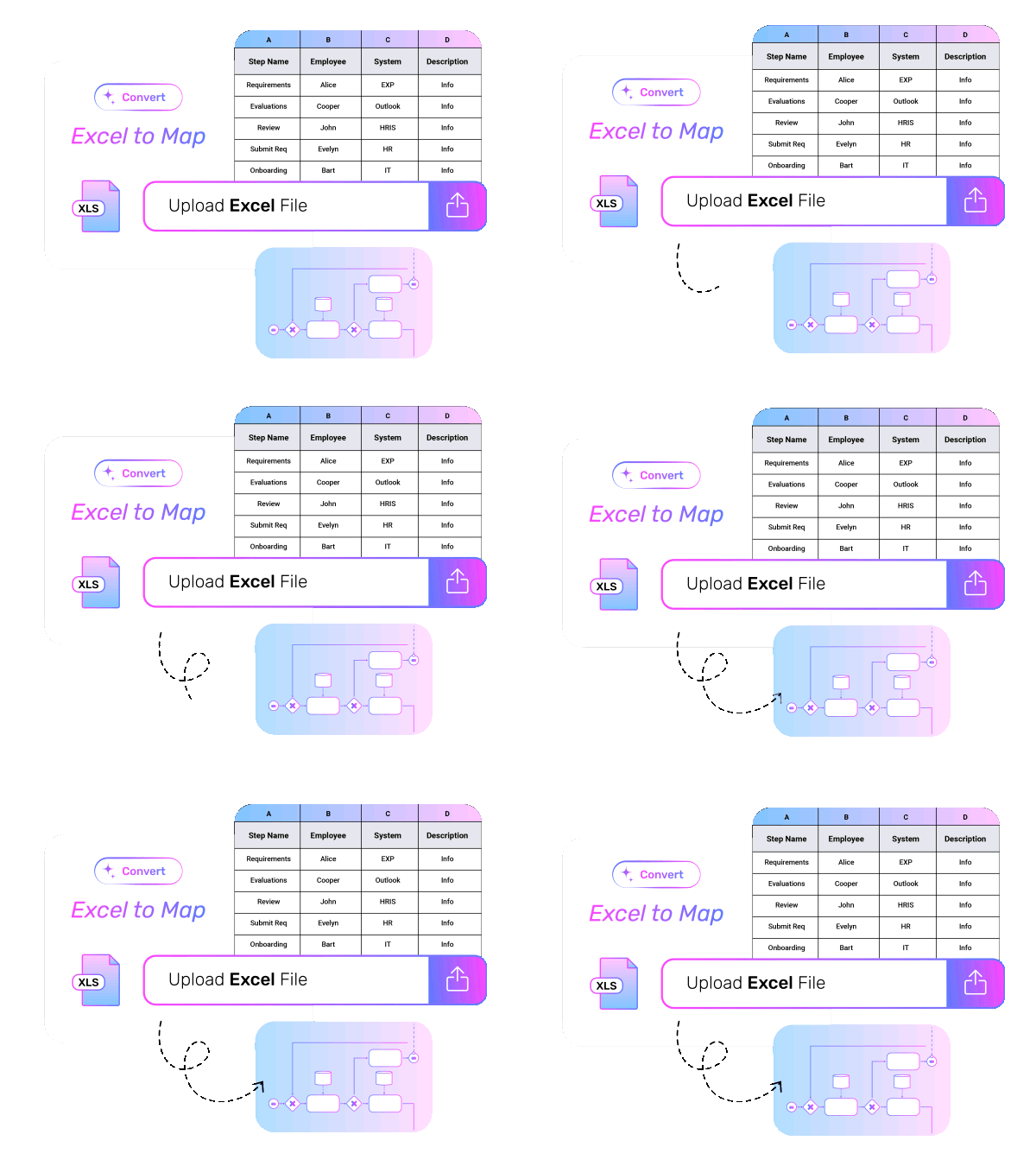
Excel to Map
Instantly upload and convert Excel sheets into complete, validated, ready-to-use process maps—eliminating manual rework and documentation delays.
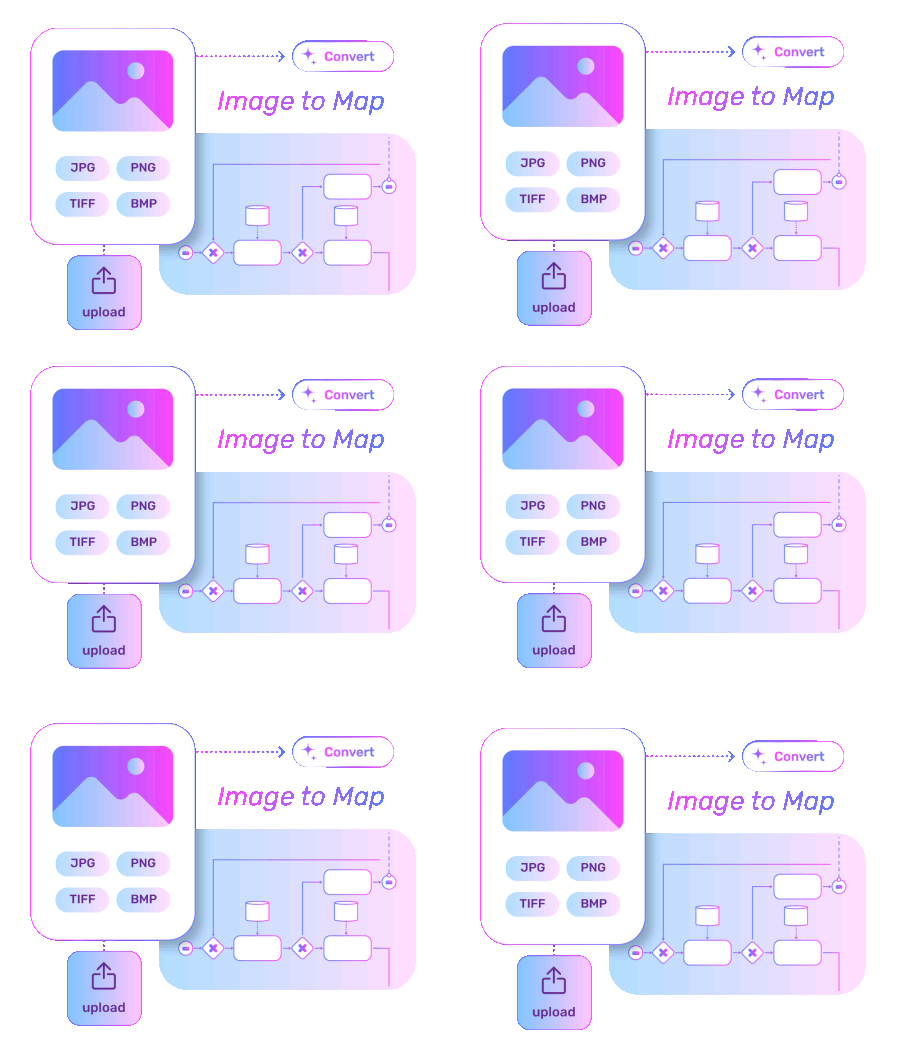
Image to Map
Upload any process image, flowchart, or inconsistent process map, and MapAI automatically converts it into a clean, standardised BPMN process map, removing inconsistencies and improving clarity without manual redrawing.

Audio / Video to Map
Upload a process walkthrough recording in audio or video format. MapAI transcribes the content, detects actions and decisions, and builds a structured, illustrated process map in minutes.
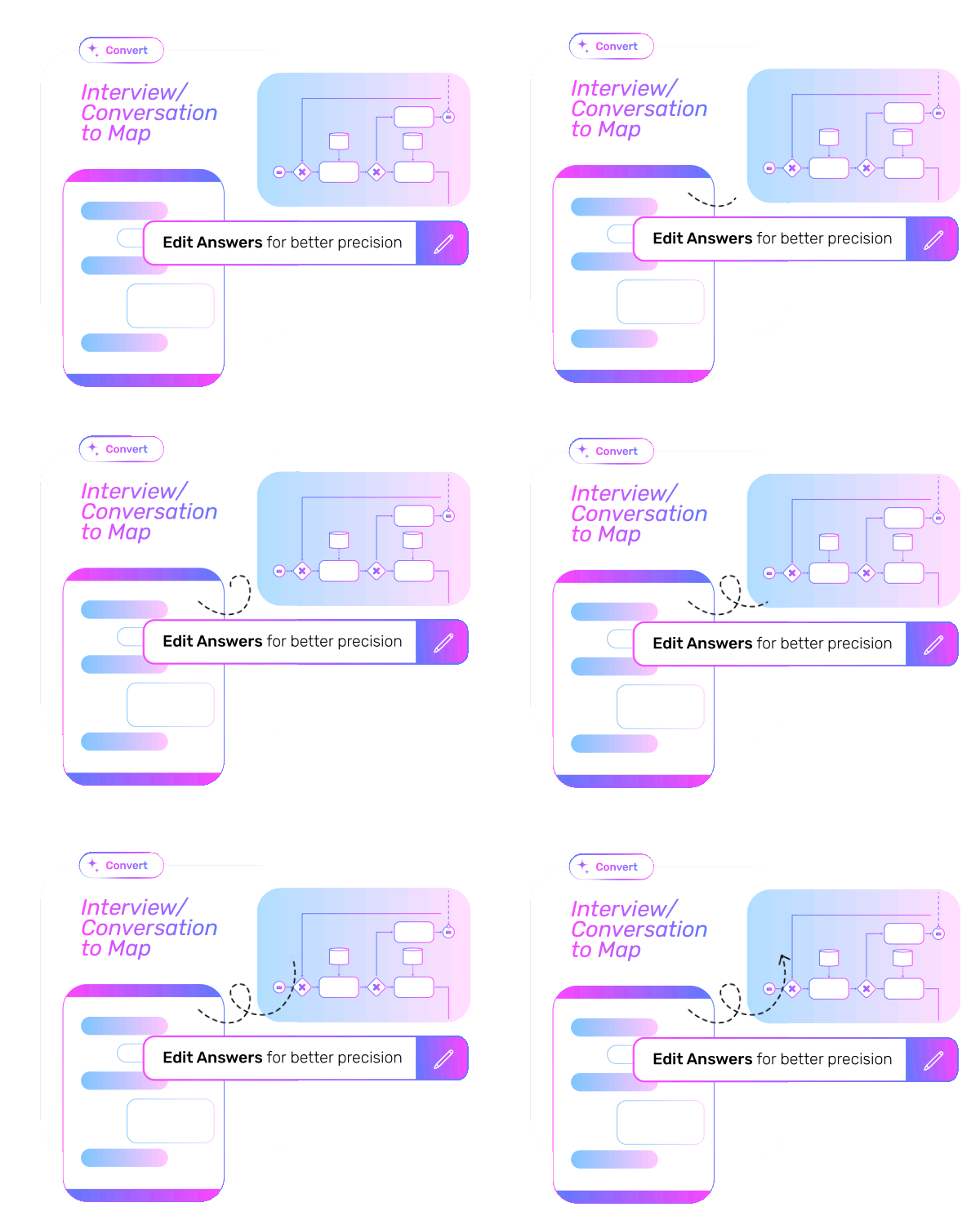
Interview / Conversation to Map
No need to wait for an analyst or sit through process interviews. Start a guided conversation inside the tool, answer a few questions, or even assign it to a relevant stakeholder. MapAI automatically converts responses into a complete, standardised process map.
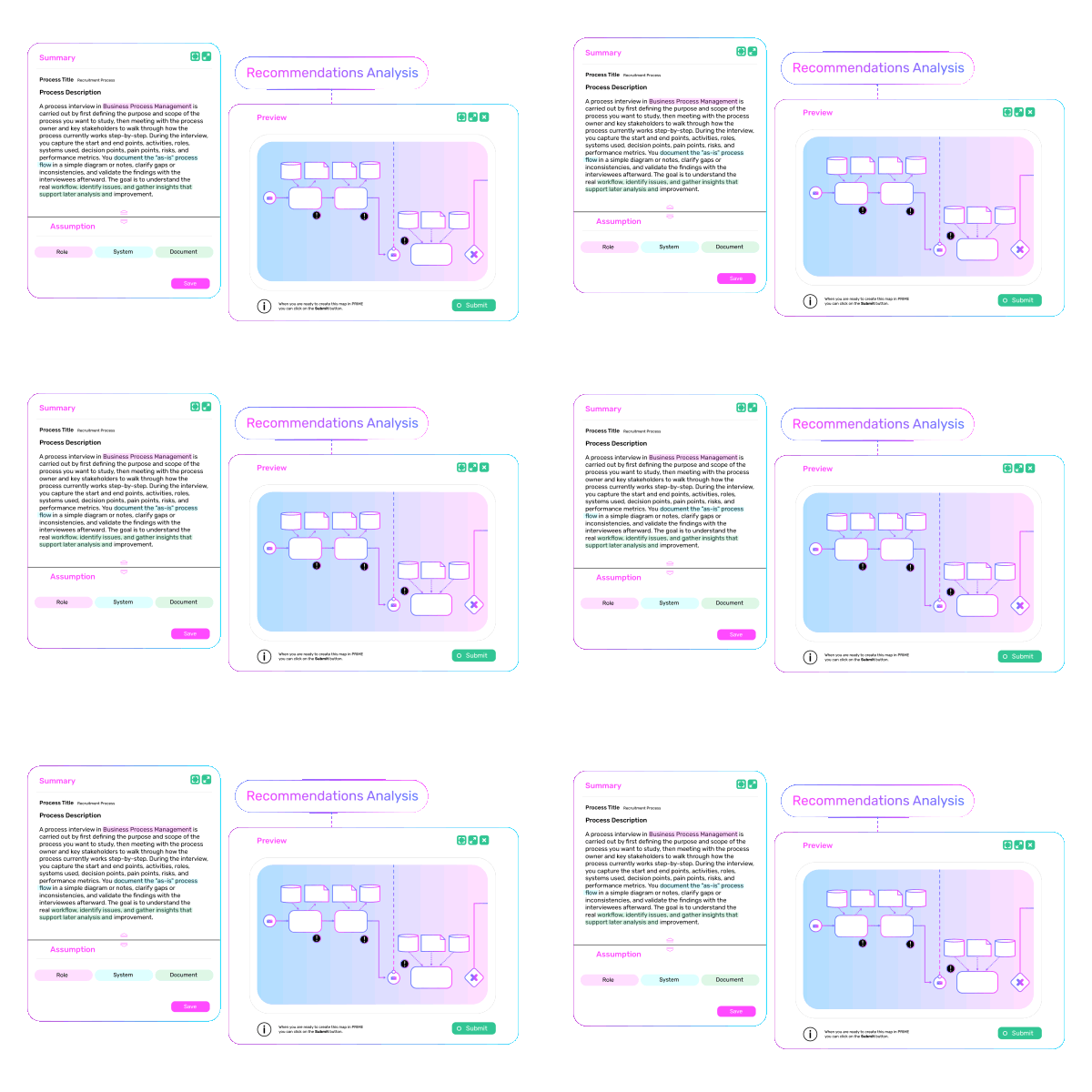
Best-Practice Mapping/Recommendations
With PRIME’s internal best-practice library and online benchmarks, generate process maps customised to your industry. Also, get best practice recommendations to close any gaps.
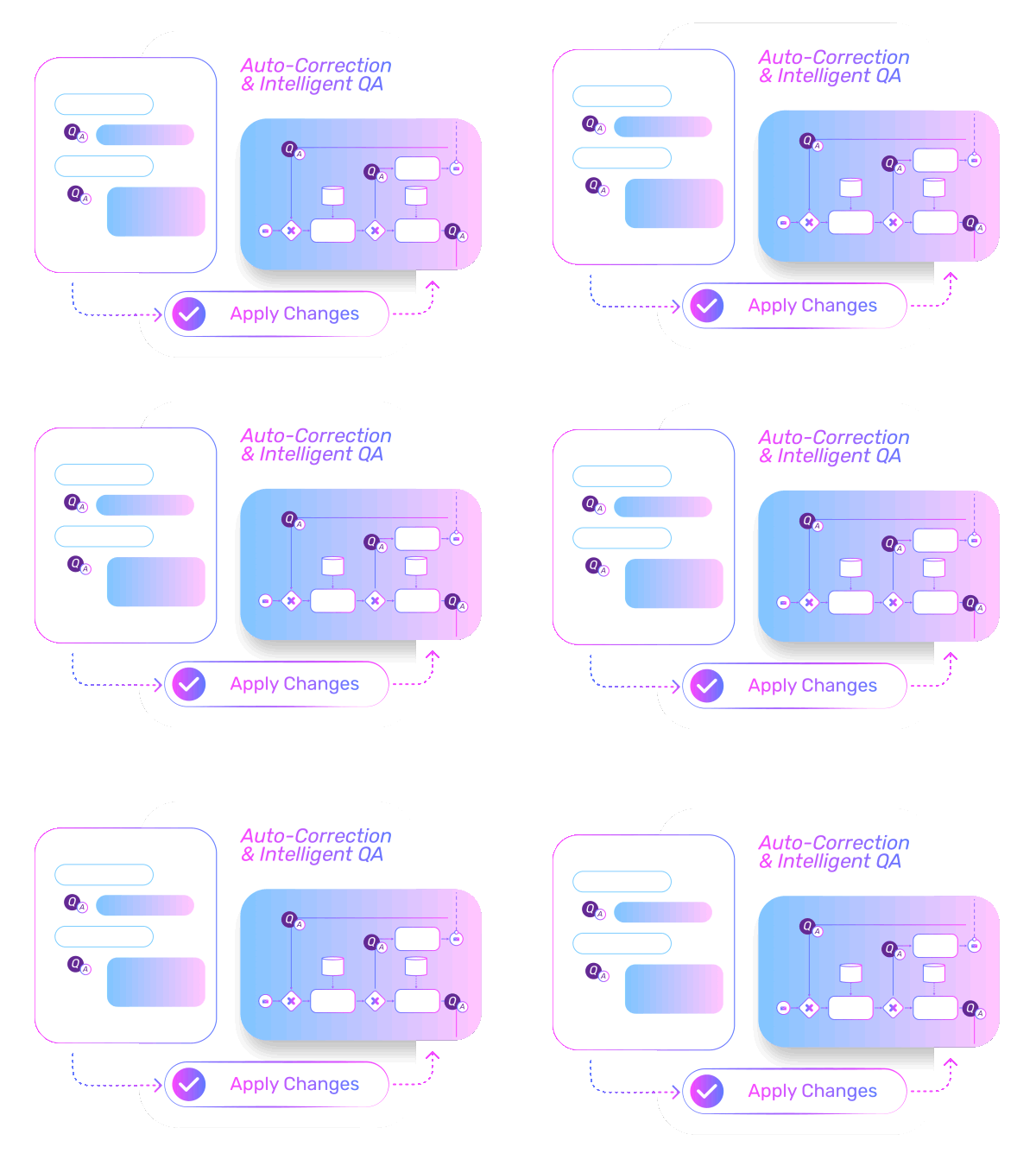
Auto-Correction & Intelligent QA
Get automated insights into missing steps, roles, documents, and logic gaps within process maps. MapAI prompts users to fix issues or auto-corrects them to ensure accuracy and completeness.
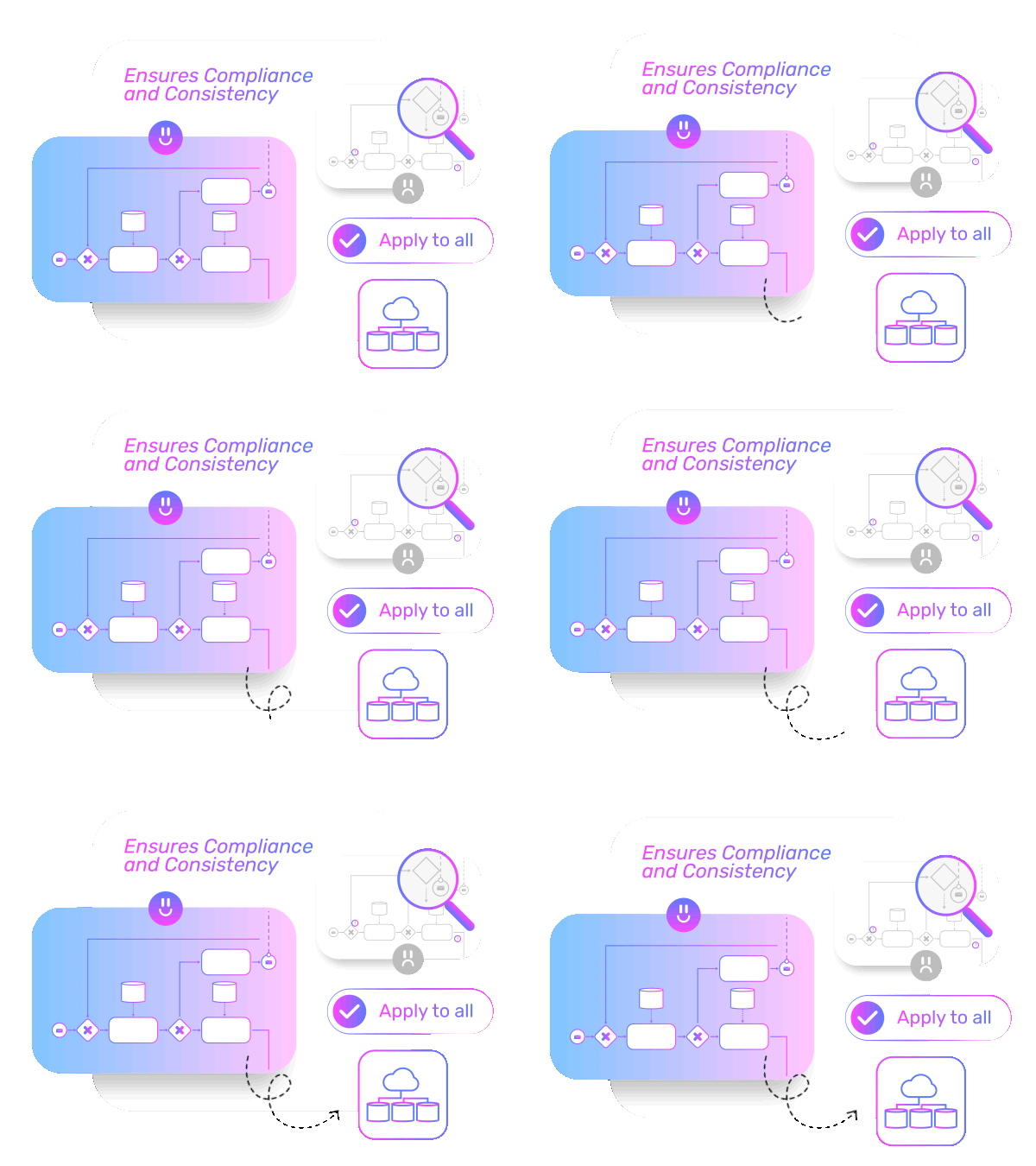
Ensures Compliance and Consistency
Auto-checks and corrects naming conventions, flow connectors, overlaps, and logical structure—ensuring all process maps remain standardised, compliant, and ready for analysis, automation, and audit.
Benefits By Role

Executives
- Accelerate business transformation and process automation projects with access to standardised process maps.
- Enable faster, smoother organisational change with complete visibility into how work happens across teams.
- Reduce unnecessary cost and time spent on manual mapping and redirect resources to high-value improvement initiatives.
BPM Teams
- Fast-track mapping and cut down review cycles, completing weeks of work in days.
- Accelerate improvement and automation pipelines with clean, standardised, ready-for-analysis process maps.
- Boost ROI on BPM initiatives by focusing on outcomes rather than documentation.
Frontline Users
- Contribute to process mapping effortlessly – without attending long workshops or needing BPM expertise.
- Reduce errors and rework with clear, accurately documented processes.
- Boost efficiency and service consistency by following standardised process maps.
Traditional vs AI-Powered Process Mapping
- Manual diagramming takes hours per process
- Multiple process interviews, workshops, and back-and-forth reviews
- Time spent in checking errors, missing steps, and inconsistent naming
- Heavy time spent by BPM experts on manual mapping tasks
- Inconsistent formats across teams
- Slow progress delays key projects such as, automation, digital transformation, ERP implementations etc.
- Generate BPMN maps in minutes from any input
- No need for process interviews, workshops and reviews
- Intelligent QA prompts for fixes or auto-corrects gaps, logic errors & naming conventions
- BPM experts can focus on high-value improvement.
- Standardised, compliant BPMN maps across departments
- With fast, accurate process mapping, accelerate business-critical projects.
Explore More PRIME BPM AI Agents
Four purpose-built agents — each designed for a specific stage of BPM work, working together as one end-to-end ecosystem.

Digital Process Analyst (DPA)
Cut process analysis time from weeks to minutes. Get instant, high-value recommendations identifying cost-saving, automation, and standardisation opportunities, and simulate each improvement.

AI Procedure Writer
Create detailed SOPs in minutes by converting conversations, documents, or videos into ready-to-use procedures.

PrimeGPT
Chat, prompt, and ask anything from your process data for instant, role-based insights.
Frequently Asked Questions
MapAI is an AI agent that rapidly converts workshop inputs and process knowledge from any input into structured, high-quality process maps. Instead of analysts manually building maps over hours or days, MapAI generates them in minutes—allowing teams to focus on validation, improvement, and decision-making rather than documentation.